Back to search
Digital · Editor's pick
Canva
canva.com
4.7/ 5
Design anything with drag-and-drop simplicity. Create social posts, presentations, and more.
Visit Canva
Some links are affiliate links. We may earn a commission at no extra cost to you.
Who it's for
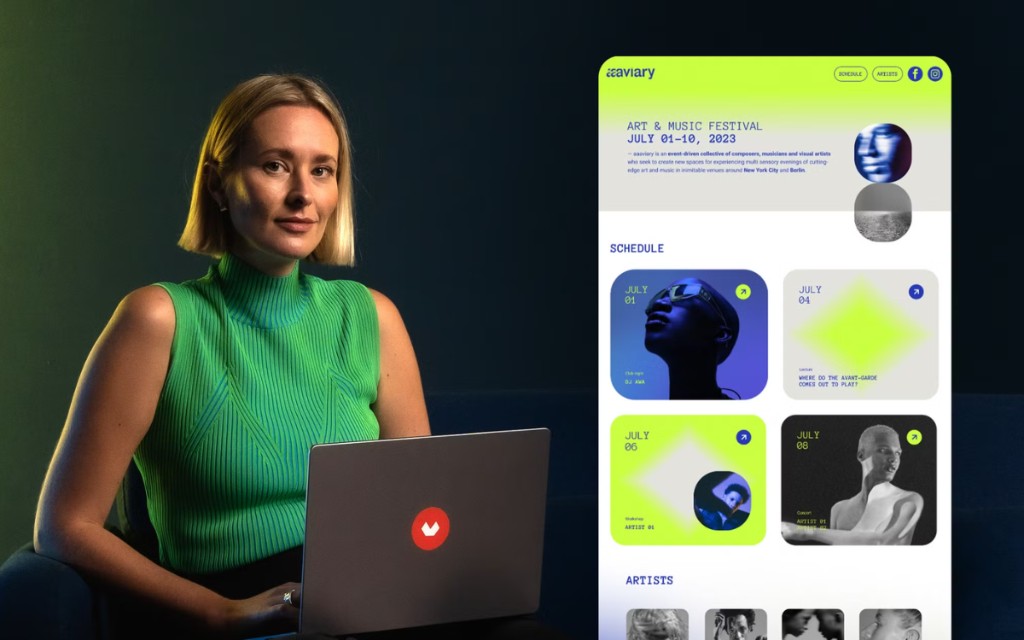
Canva is built for marketers, small business owners, teachers, and creators who need polished graphics, presentations, and social posts without learning Photoshop.
Not for you if: You need pixel-perfect print production, advanced photo retouching, or professional vector illustration tools.
How it works
Three steps to get started
- 1
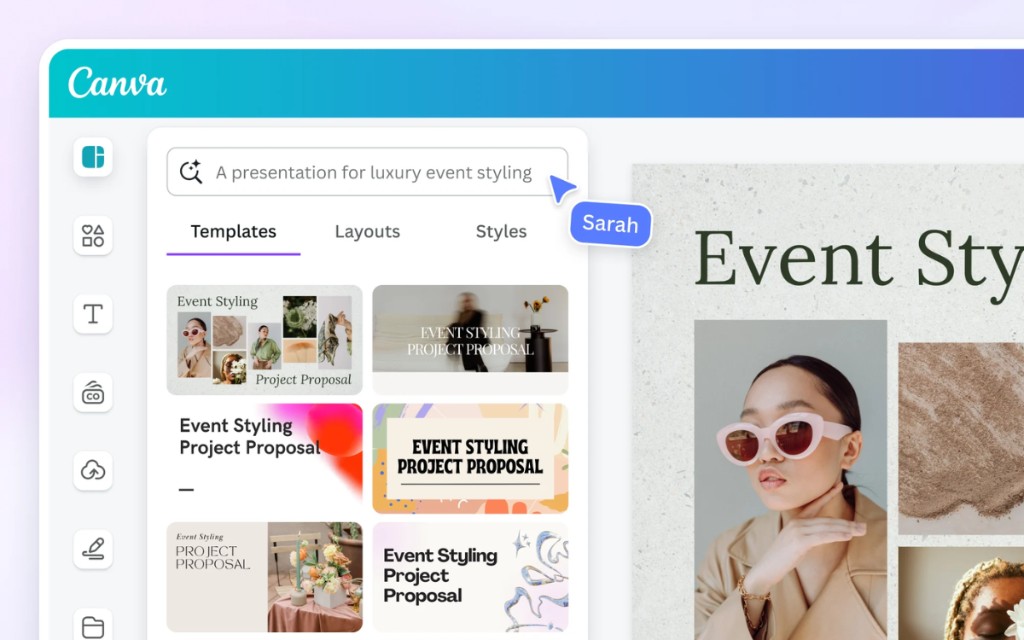
Start from a template
Search thousands of templates for Instagram posts, pitch decks, flyers, resumes, and more—or set custom dimensions.
- 2
Customize with drag-and-drop
Swap text, colors, fonts, and images. Use Brand Kit (Pro) to lock brand colors and logos across designs.
- 3
Export or publish
Download as PNG, PDF, or MP4; schedule to social channels; or share an edit link with teammates for feedback.
Key features
What stood out in our review
- +Thousands of templates for social, print, and presentations
- +Simple editor with brand kit and team collaboration
- +Free tier available with affordable Pro upgrades
Pricing snapshot
Typical plans — check the official site for current offers
Free
$0
250,000+ templates, 5GB storage, basic export
Pro
$15/mo
Brand Kit, background remover, premium assets
Teams
$10/user/mo
3+ users, brand controls, approval workflows
Enterprise
Custom
SSO, advanced admin, dedicated success
Pros & cons
Honest take from TOOLQZ
Pros
- +Lowest learning curve of any major design tool
- +Massive template library for every format and occasion
- +Built-in AI tools (Magic Write, background remover) on Pro
- +Real-time collaboration and commenting
- +Generous free tier for casual use
Cons
- −Not a replacement for Adobe Illustrator or InDesign for pro print
- −Free tier locks many premium elements behind paywalls
- −Complex designs can feel sluggish in the browser
- −Limited fine control over typography and kerning
FAQ
Common questions before you sign up
Yes, with Pro or paid elements. Free assets have licensing terms—check each element's license. Pro includes commercial use rights for premium content.
Why TOOLQZ recommends it
Canva makes professional-looking design accessible without Photoshop skills. It is ideal for social content, pitch decks, thumbnails, and quick brand assets. The template library and drag-and-drop editor let you ship visuals fast.
- →Thousands of templates for social, print, and presentations
- →Simple editor with brand kit and team collaboration
- →Free tier available with affordable Pro upgrades
Last reviewed by TOOLQZ: July 1, 2026
Visit Canva
Some links are affiliate links. We may earn a commission at no extra cost to you.
Tags
#design#graphics#templates
More in Digital
Ready to try Canva?
We tested Canva so you can decide with confidence before signing up.
Visit Canva
Some links are affiliate links. We may earn a commission at no extra cost to you.